AI Product Photography for Amazon Sellers
Generate professional product scenes optimized for Amazon's image requirements. Create lifestyle photos and multiple variations from a single product shot—all in the right dimensions.
✓ No credit card required • ✓ 5 free credits/month • ✓ Amazon-ready dimensions
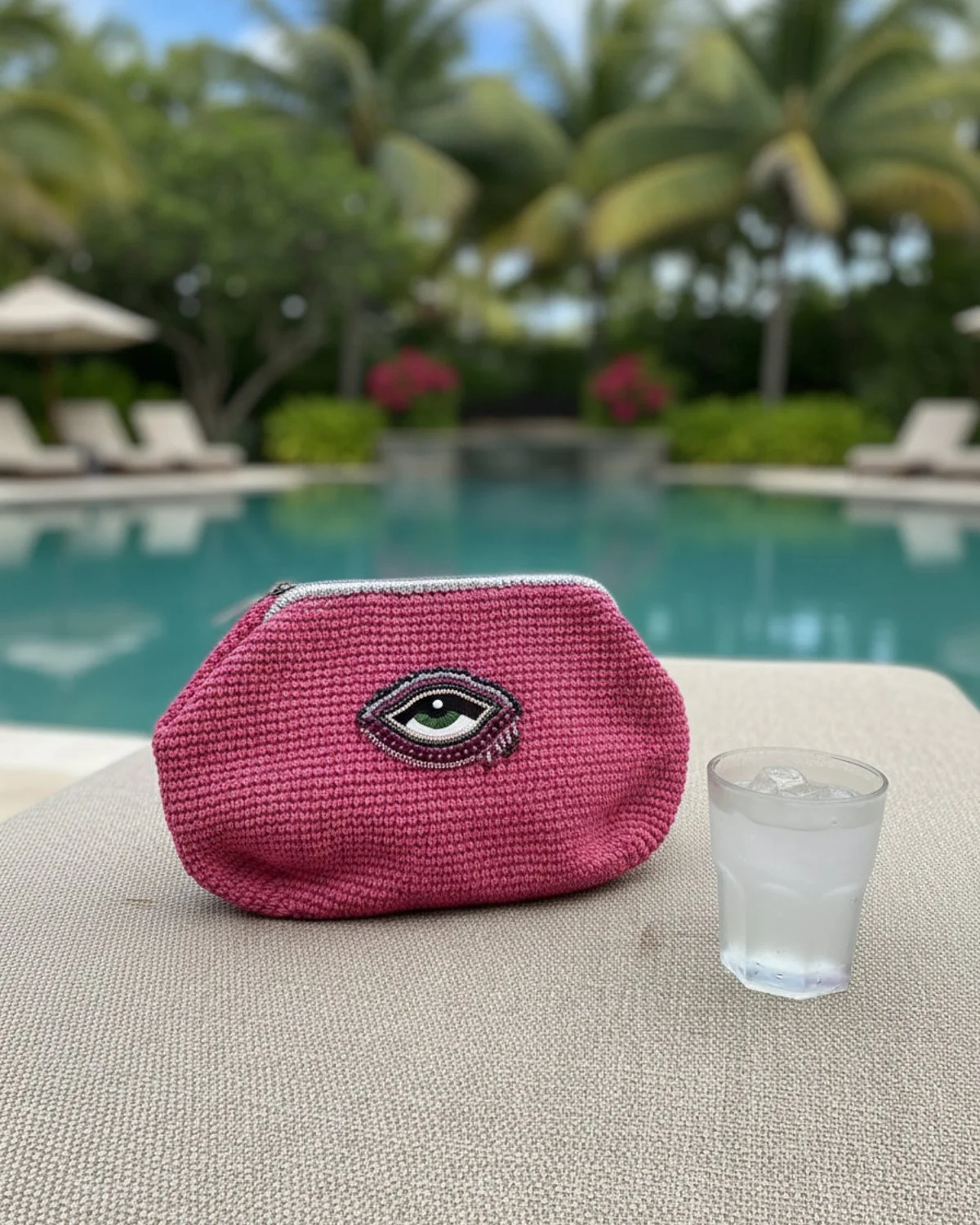
Why Professional Amazon Photography Matters
In the crowded Amazon marketplace, your product images are your 24/7 sales team. With milliseconds to capture a shopper's attention as they scroll, high-quality, professional photography isn't just a requirement—it's your biggest competitive advantage.
Amazon's A9 algorithm prioritizes listings with higher Click-Through Rates (CTR) and Conversion Rates (CVR). By optimizing your main image for visibility and using lifestyle scenes to tell a compelling brand story, you directly influence your ranking and sales potential. Scenay bridges the gap between strict compliance and creative excellence, ensuring every pixel works harder for your business.
Amazon Product Image Requirements 2025
Scenay generates images that meet Amazon's technical specifications automatically.
| Requirement | Amazon Spec | Scenay Output |
|---|---|---|
| Recommended Dimensions | 2000 x 2000 pixels | ✓ Up to 2048px |
| Minimum Size (for zoom) | 1000px longest side | ✓ Supported |
| Aspect Ratio | 1:1 (square) preferred | ✓ 1:1 available |
| File Format | JPEG (.jpg) recommended | ✓ JPEG/PNG |
| Max File Size | Under 10MB | ✓ Optimized |
| Main Image Background | Pure white (RGB 255,255,255) | Natural scenes + white options |
Features Built for Amazon Sellers
Square (1:1) Product Images
Generate images in Amazon's preferred 1:1 aspect ratio. Perfect for main product images that need to display consistently across all devices.
Product Family Scenes
Upload multiple product photos and generate cohesive scenes showing your product line together—ideal for A+ content and brand storytelling.
Dimension Callout Images (Pro+)
Create professional size and measurement visuals for your listings. Enter your product dimensions and generate spec images automatically.
Multiple Variations from One Photo
Upload once, generate multiple scene variations. Test different creative directions to find what converts best for your Amazon listings.
Create Amazon Product Photos in Minutes
Upload Product Photo
Upload your product image (or multiple for product family scenes). Describe your product and add optional styling notes.
Select Aspect Ratio
Choose 1:1 (square) for Amazon listings, or select other ratios for ads and social media content.
Download & Upload
Download high-resolution images optimized for Amazon. Upload directly to your listings or save to your favorites for later.
5 Rules for Amazon Product Images That Convert
Master the Main Image
Your main image is the single most important asset on your listing. It must have a pure white background (RGB 255, 255, 255) and the product should fill 85% of the frame. This isn't just for compliance; it ensures your product pops against Amazon's interface, maximizing visibility in search results.
Enable the Zoom Experience
Amazon requires images to be at least 1000 pixels on the longest side to enable the hover-to-zoom function. However, for the best customer experience, aim for 2000x2000 pixels. This high resolution allows shoppers to inspect texture and build quality, serving as a critical trust signal that mimics the in-store experience.
Sell the Lifestyle, Not Just the Item
While your main image sells the "what," your secondary images must sell the "why." Lifestyle photography places your product in a realistic context, helping customers visualize it in their own lives. A well-composed scene can proactively answer questions about size, use cases, and compatibility.
Optimize for Mobile First
More than half of all Amazon purchases happen on mobile devices. Your images need to offer clear and readable details even on small screens. Avoid clutter, use high-contrast lighting, and ensure that key details aren't lost when scaled down. Square (1:1) aspect ratios maximize screen real estate on mobile product pages.
Visual Consistency Builds Brand Equity
Inconsistent lighting or styling between images can make a listing feel disjointed and unprofessional. Using AI tools to generate cohesive scenes ensures that lighting, shadows, and perspective remain consistent across your Product Family images and A+ content, reinforcing brand authority.
Amazon Product Photography FAQs
Does Scenay generate images in Amazon's required dimensions?
Yes! Scenay generates images up to 2048x2048 pixels, which exceeds Amazon's recommended 2000x2000 requirement and enables the zoom feature on listings.
Can I create product family images for A+ content?
Absolutely! Use Product Family mode to upload 2-3 different product photos. Scenay will generate cohesive scenes showing your products together, perfect for A+ Enhanced Brand Content.
How do I create dimension/measurement images for my listings?
Pro and Shop plan subscribers have access to the Dimension Tool. Upload your product photo, enter measurements (length, width, height, or diameter), and generate a professional spec image automatically.
What aspect ratios does Scenay support for Amazon?
Scenay supports multiple aspect ratios including 1:1 (square, best for Amazon main images), 4:5 (vertical), 4:3 (horizontal), 9:16, and 9:16. All images are high-resolution and Amazon-ready.
Can I create white background images for Amazon main images?
While Scenay specializes in lifestyle product scenes, you can request clean, minimal backgrounds in your styling notes. For pure white background requirements, you may need additional editing.
Start Creating Amazon Product Photos Today
Generate professional product photography optimized for Amazon listings. Free tier includes 5 credits/month + 5 bonus credits on signup.