AI Product Photography for Etsy Sellers
Create professional product scenes optimized for Etsy's image requirements. Generate lifestyle photos perfect for handmade items, crafts, and vintage goods—all in the right dimensions.
✓ No credit card required • ✓ 5 free credits/month • ✓ Etsy-ready dimensions
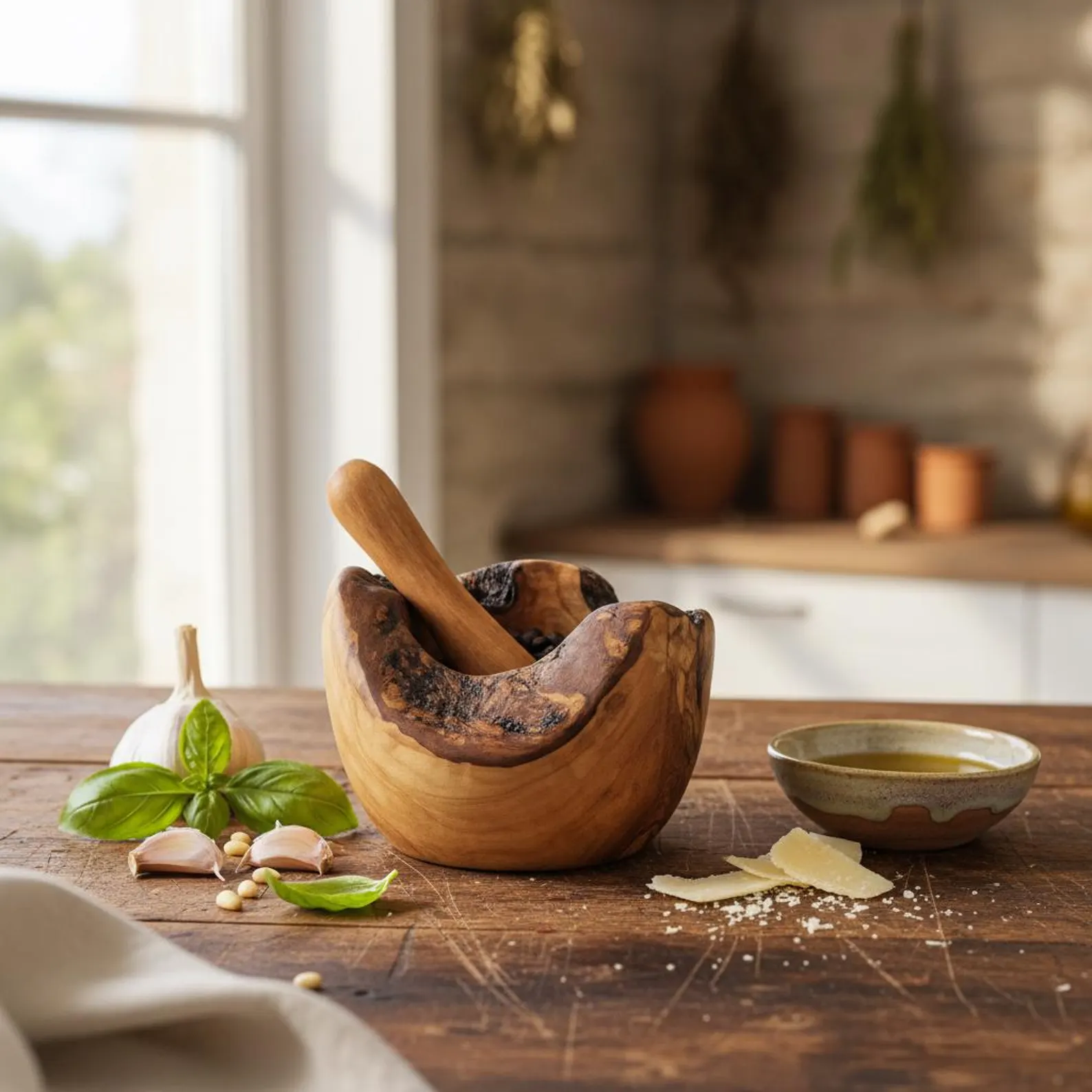
Stand Out in a Handmade Marketplace
In a marketplace defined by creativity and craftsmanship, your photography is the first indicator of quality. Etsy shoppers aren't just buying a product; they are buying into a story, an aesthetic, and a maker. Professional, high-fidelity images that capture texture and detail are essential for standing out in a sea of search results.
While Etsy's search algorithm considers many factors, conversion rate is king. Authenticity sells. By presenting your handmade or vintage items in cohesive, beautifully lit scenes that reflect your brand's unique vibe, you build the immediate trust necessary to turn a browser into a buyer.
Etsy Product Image Requirements 2025
Scenay generates images that meet Etsy's technical specifications automatically.
| Requirement | Etsy Spec | Scenay Output |
|---|---|---|
| Minimum Dimensions | 2000px shortest side | ✓ Up to 2048px |
| Recommended Aspect Ratio | 1:1 (square) or 4:3 | ✓ Both supported |
| Resolution | 72 PPI minimum | ✓ 72 PPI |
| File Size | Less than 1MB recommended | ✓ Optimized |
| File Format | JPEG (.jpg) or PNG (.png) | ✓ JPEG/PNG |
| Maximum Images Per Listing | Up to 10 images | Generate multiple variations |
Features Built for Etsy Sellers
Flexible Aspect Ratios
Choose between 1:1 (square) for grid consistency or 4:3 for featured listings. Also supports 4:5 vertical, 9:16 horizontal, and 9:16 for social media repurposing.
Product Collection Scenes
Use Product Family mode to upload 2-3 different handmade items and generate cohesive scenes showing them together—perfect for collection listings and shop branding.
Multiple Scene Variations
Upload once and generate multiple lifestyle scenes with different styling notes. Test different creative directions to find what resonates with Etsy shoppers.
Size Guide Images (Pro+)
Create professional dimension callout images for your listings. Enter measurements and generate spec visuals that reduce returns and size-related questions.
Create Etsy Product Photos in Minutes
Upload Product Photo
Upload 1-3 product images. Add a description and optional styling preferences to guide the AI generation.
Choose Aspect Ratio
Select 1:1 or 4:3 for Etsy listings, or choose other ratios for promotional sections and social media content.
Download & Upload to Etsy
Download high-resolution images optimized for Etsy. Upload directly to your product listings or save to favorites for later use.
Optimizing for the Etsy Aesthetic
The Power of the 'Hero' Shot
Your primary image thumbnail is your storefront window. For Etsy, a 4:3 or 1:1 ratio works best. Ensure your item is centered and occupies enough space to be clear in a crowded search grid, but leave enough "breathing room" so it doesn't feel cramped. Brighter, natural-light style images tend to perform best.
Showcase Texture and Detail
Since customers can't touch your product, your photos must do the feeling for them. Use close-up shots (macro style) to highlight wood grain, fabric weave, or brush strokes. These details signal "handmade quality" and justify premium pricing.
Cohesive Shop Aesthetic
Your Etsy shop homepage is your brand's home. When all your listings share a similar visual DNA—consistent lighting, matching background tones, and complementary props—it creates a professional, boutique feel that encourages shoppers to explore more of your inventory.
Contextual Styling
Props should elevate your product, not compete with it. A vintage vase might look great next to an old book, but if the book is too colorful, it steals the show. Use neutral props that reinforce the "vibe" or use case of your item without cluttering the frame.
Variation for Social Media
Etsy sellers rely heavily on Pinterest and Instagram. Don't just stick to the square listing crop. Generate 9:16 vertical versions of your best scenes to share on Stories and Reels directly from your product shoot, driving external traffic back to your shop.
Etsy Product Photography FAQs
Does Scenay generate images in Etsy's recommended dimensions?
Yes! Scenay generates images up to 2048x2048 pixels, which exceeds Etsy's minimum 2000px requirement and ensures your images look crisp on all devices.
What aspect ratios work best for Etsy listings?
Etsy recommends 1:1 (square) or 4:3 aspect ratios. Scenay supports both, plus additional ratios like 4:5 for vertical mobile layouts and 9:16 for banner sections.
Can I create product collection images for my Etsy shop?
Absolutely! Use Product Family mode to upload 2-3 different product photos. Scenay will generate cohesive scenes showing your handmade items together, perfect for collection pages and shop branding.
How do I create dimension/size guide images for my listings?
Pro and Shop plan subscribers have access to the Dimension Tool. Upload your product photo, enter measurements (length, width, height, or diameter), and generate a professional size guide image automatically.
Can I generate multiple variations for my Etsy listings?
Yes! Upload once and generate multiple scene variations with different styling notes. Etsy allows up to 10 images per listing, so you can create diverse lifestyle shots to showcase your products.
Start Creating Etsy Product Photos Today
Generate professional product photography optimized for Etsy listings. Free tier includes 5 credits/month + 5 bonus credits on signup.