AI Product Photography for Shopify Stores
Create professional product scenes optimized for Shopify's image requirements. Generate lifestyle photos in the right dimensions—mobile-ready and conversion-optimized.
✓ No credit card required • ✓ 5 free credits/month • ✓ Shopify-ready dimensions
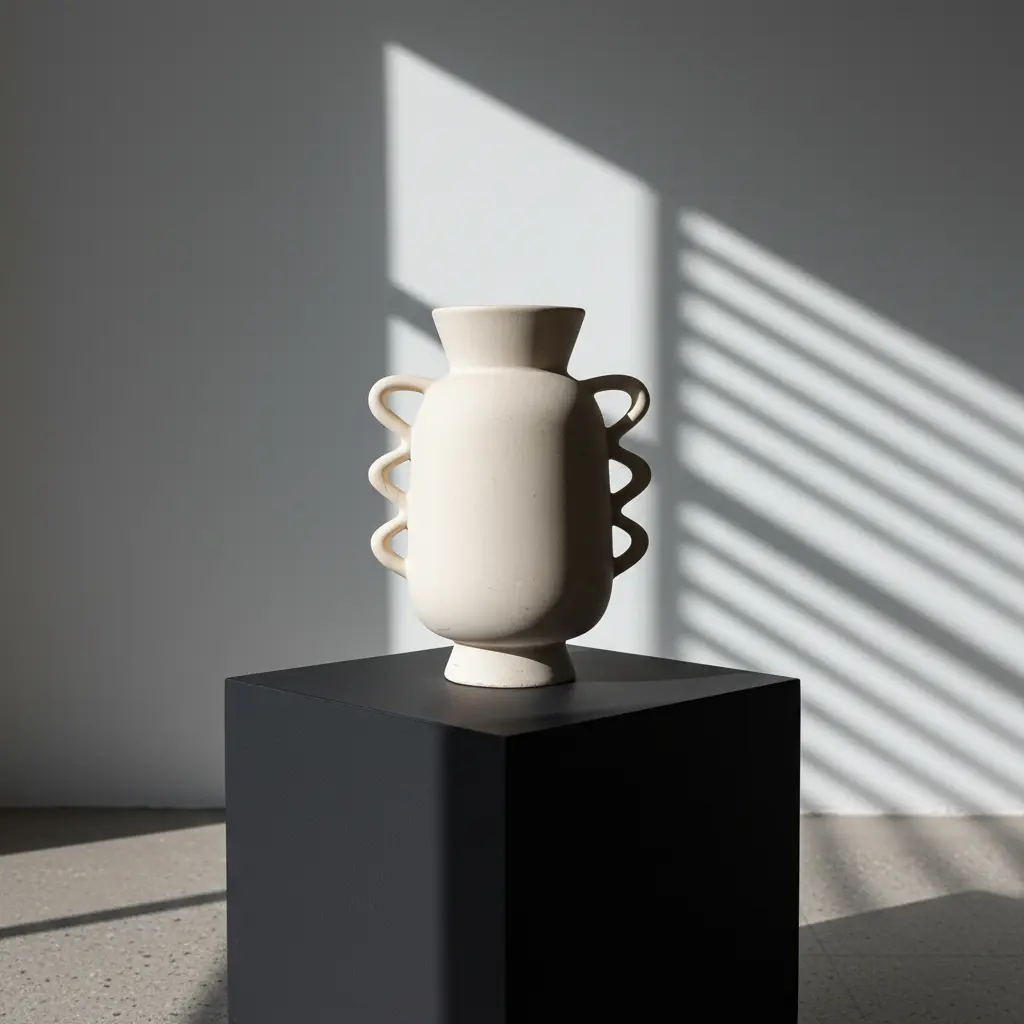
Building a Brand-First Visual Identity
On your own Shopify store, you control the entire visual journey. Unlike marketplaces, you aren't fighting for attention next to competitors—you are building an immersive brand experience. High-quality, consistent product photography is the cornerstone of that experience, directly influencing trust, bounce rates, and average order value.
Your imagery tells your brand's story before a customer reads a single word. Whether you are selling luxury goods or practical necessities, professional photography communicates competence and care. Scenay empowers you to create a "big brand" look on a bootstrap budget, ensuring your store looks as premium as your products.
Shopify Product Image Requirements 2025
Scenay generates images that meet Shopify's recommended specifications automatically.
| Requirement | Shopify Spec | Scenay Output |
|---|---|---|
| Recommended Dimensions | 2048 x 2048 pixels | ✓ Up to 2048px |
| Maximum Size | 5000 x 5000 pixels | ✓ Within limits |
| Minimum for Zoom | 800 x 800 pixels | ✓ Exceeded |
| Aspect Ratio | 1:1 (square) recommended | ✓ 1:1 + multiple ratios |
| File Size (Performance) | 100-300 KB optimal | ✓ Optimized |
| Resolution | 72 PPI | ✓ 72 PPI |
| Max File Size | Up to 20 MB | ✓ Well under limit |
Features Built for Shopify Stores
Shopify-Optimized Dimensions
Generate images at Shopify's recommended 2048x2048px resolution with 72 PPI. Perfect for desktop and mobile product pages with zoom enabled.
Multiple Aspect Ratios
Choose 1:1 for product grids, 4:5 for mobile-first layouts, or 9:16 for banners. Generate once, download in multiple formats for different sections of your store.
Product Collection Scenes
Use Product Family mode to showcase complementary products together. Perfect for collection pages, product bundles, and cross-selling opportunities.
Size Specification Images (Pro+)
Create professional dimension callout images for product pages. Enter measurements and generate spec visuals that reduce returns and customer questions.
Create Shopify Product Photos in Minutes
Upload Product Photo
Upload your product image. Add a description and optional styling preferences to guide the AI generation.
Choose Aspect Ratio
Select 1:1 for product pages, 4:5 for Instagram Shopping, or other ratios for banners and promotional sections.
Download & Upload to Shopify
Download high-resolution images optimized for Shopify. Upload directly to your product pages or use in collections and marketing.
Technical SEO for Shopify Images
Balance Quality with Speed
Shopify stores need to load fast to keep mobile visitors engaged. While high-resolution images are beautiful, unoptimized files can kill your page speed. Use Scenay's optimized exports (JPG/WebP) to get the best of both worlds: crisp 2048px clarity for zooming, with file sizes that won't slow down your site.
Consistency Across Collections
Nothing screams "amateur" louder than a collection page with misaligned products or varying gray backgrounds. Ensure every product in a collection shares the same aspect ratio, background style, and lighting direction. This visual rhythm makes your store easier to scan and shop.
Mobile-First Aspects
Most themes are responsive, but your images should be intentional. A 4:5 vertical aspect ratio takes up more vertical screen space on a smartphone than a square or landscape image. This "screen dominance" keeps the user's focus on your product longer as they scroll.
Don't Forget Alt Text
Google Images is a significant driver of traffic for e-commerce. When you upload your Scenay-generated images to Shopify, always add descriptive Alt Text (e.g., "Leather weekend bag on marble counter"). This helps search engines understand your image and improves accessibility for visually impaired users.
Building Trust with Detail
High-ticket items require high-trust imagery. Use multiple angles and detail shots (zippers, stitching, textures) to replicate the in-person inspection process. Scenay's ability to generate scenes from different angles helps you build a comprehensive gallery that overcomes purchase hesitation.
Shopify Product Photography FAQs
Does Scenay generate images in Shopify's recommended dimensions?
Yes! Scenay generates images at 2048x2048 pixels with 72 PPI—exactly what Shopify recommends for optimal quality and zoom functionality across all devices.
Can I create images for different parts of my Shopify store?
Absolutely! Generate images in multiple aspect ratios: 1:1 for product grids, 4:5 for mobile-optimized layouts, 4:3 for featured collections, and 9:16 for banner sections. Download the same product in different formats.
How do I create product collection or bundle images?
Use Product Family mode to upload 2-3 different products. Scenay will generate cohesive scenes showing them together—perfect for collection pages, bundles, and cross-selling on product pages.
Can I create dimension/size specification images?
Yes, with Pro and Shop plans. Use the Dimension Tool to create professional size callout images. Enter your product measurements and generate spec visuals that reduce returns and size-related questions.
Are the images optimized for mobile Shopify stores?
Yes! All images are generated at high resolution with optimized file sizes for fast mobile loading. The 72 PPI resolution ensures crisp display on all screen types including Retina displays.
Start Creating Shopify Product Photos Today
Generate professional product photography optimized for Shopify stores. Free tier includes 5 credits/month + 5 bonus credits on signup.